


Smart Lock | Keyless Fingerprint Door Lock for Seniors
Smart Lock | Keyless Fingerprint Door Lock for Seniors
Couldn't load pickup availability
♡ 10 % of this purchase funds home‑safety grants for older adults + enjoy our easy 30 day return policy!
Control the door with your smartphone. Grant or restrict access to visitors anytime so you don't have to give physical keys to caregivers or leave the door unlocked. The Bluetooth Smart Lock replaces your deadbolt, giving you a luxurious backlit keypad with an ultra-fast fingerprint reader. Unlock your door in less than a second with the touch of a finger or a tap in the app.
Explore the future of senior care with our summary of cutting-edge assistive technologies crafted to improve the quality of life for the elderly. Read it here.
How it works: the Wyze Lock Bolt replaces the deadbolt on your door and has no key at all. Store up to 50 fingerprints and 20 access codes, set a schedule so a home health aide's code only works during their visits, and check the app's history to see who came and went and when. It runs on 4 AA batteries for 10 to 12 months, and if they ever run down, a USB-C port under the keypad gives an emergency charge so you can still get in. App features work over Bluetooth within about 16 feet of the door.
It is ideal for older adults with arthritis or weak hands who struggle with keys, and for families who need to let caregivers in without hiding a spare key. The Alzheimer's Association home safety checklist includes planning door locks and key access for people living with dementia. For more ways to make the home easier to live in, see the best assistive technology for aging in place.
Specifications
Specifications
Frequently Asked Questions
Frequently Asked Questions
P65 Warning for Plastics
P65 Warning for Plastics
⚠ WARNING:This product can expose you to chemicals including ethylene, which is known to the State of California to cause cancer and/or reproductive harm. For more information go to www.P65Warnings.ca.gov


Why we know this works!
Why we know this works!
Get Help from an Occupational Therapist!
Find an Occupational Therapist →





Not sure what you need?
An occupational therapist can assess your situation and recommend exactly what will help. Tell us what you're dealing with and we'll connect you with the right OT.
Related Products
-
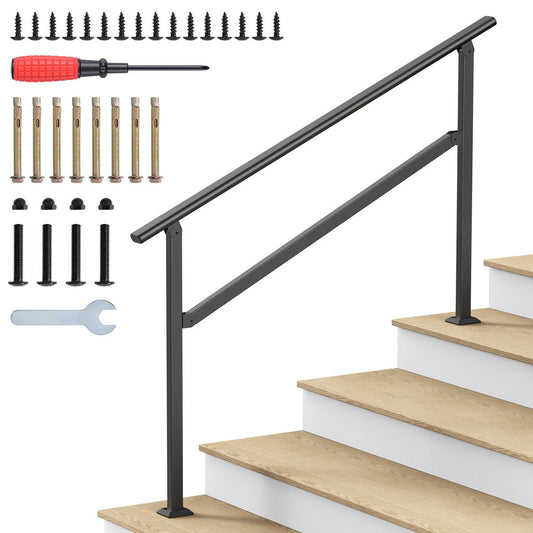
Hand Rail for Outdoor Steps | Porch Railing for 2 to 5 Steps
Regular price From $59.99Regular priceUnit price per -
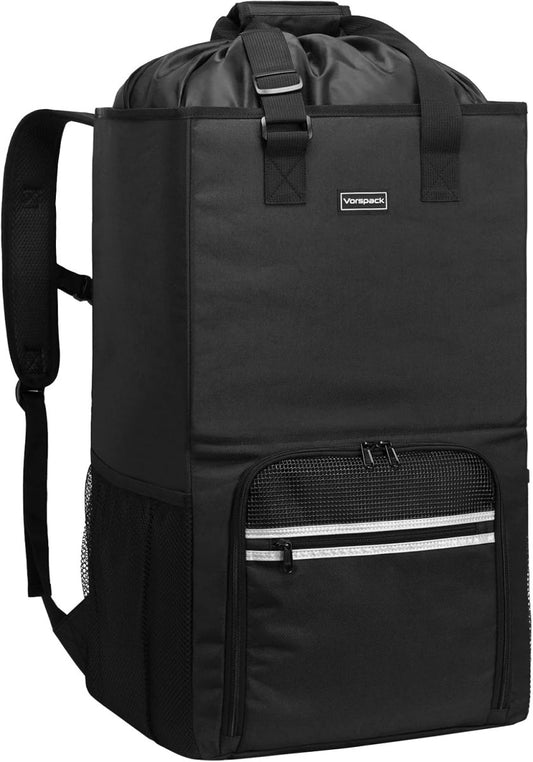
Hands-Free Laundry Backpack for Stairs | Stands Up as a Hamper
Regular price $39.00Regular priceUnit price per -
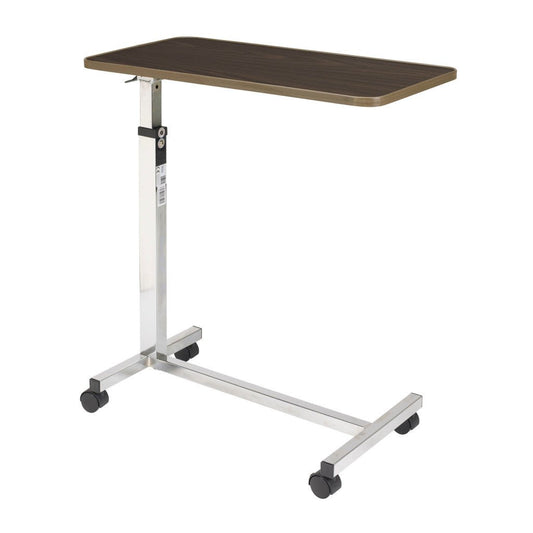
Tilt-Top Overbed Table | Hospital Bed Table for Home
Regular price $140.00Regular priceUnit price per -
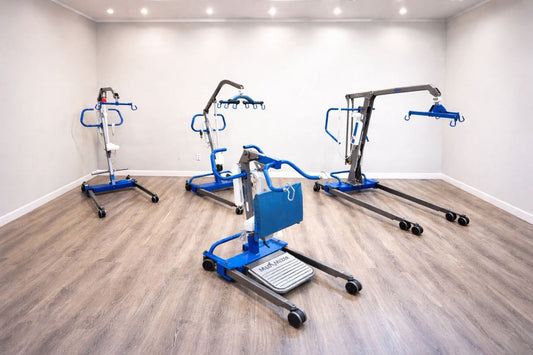
Battery-Powered Patient Lift | Electric Hoyer Lift with Sling Included
Regular price $2,768.71Regular priceUnit price per

Solve the whole puzzle! Get education, resources and services right here.
-

Free Resources
Access free educational resources, guides, and materials from AskSAMIE to learn about...
-

Community Supports
Not every solution is a product. This collection points to community programs...


Dive Deeper: a knowledge base of solutions for real caregiving questions
View all-

Affordable Adaptive Equipment: Budget-Friendly ...
You don’t need a remodel to make home safer. See the low-cost adaptive equipment occupational therapy practitioners recommend instead of walk-in showers, lift chairs, and hospital beds, plus how Medicare,...
Affordable Adaptive Equipment: Budget-Friendly ...
You don’t need a remodel to make home safer. See the low-cost adaptive equipment occupational therapy practitioners recommend instead of walk-in showers, lift chairs, and hospital beds, plus how Medicare,...
-

Medicare and ACA Marketplace Changes for 2027: ...
For 2027, many Medicare Advantage plans are cutting dental, Part B givebacks, and home safety extras, and ACA Marketplace coverage costs more as tax credits expire and fewer insurers compete...
Medicare and ACA Marketplace Changes for 2027: ...
For 2027, many Medicare Advantage plans are cutting dental, Part B givebacks, and home safety extras, and ACA Marketplace coverage costs more as tax credits expire and fewer insurers compete...
-

Medline Bed Recall and Market Exit: What Famili...
Medline is removing all Medline brand beds from the market over fire and entrapment risks, and it changed its instructions on October 24, 2026. Here is what the FDA and...
Medline Bed Recall and Market Exit: What Famili...
Medline is removing all Medline brand beds from the market over fire and entrapment risks, and it changed its instructions on October 24, 2026. Here is what the FDA and...


